Starlink and Wi-Fi for a 300 m² villa
Seamless Wi-Fi
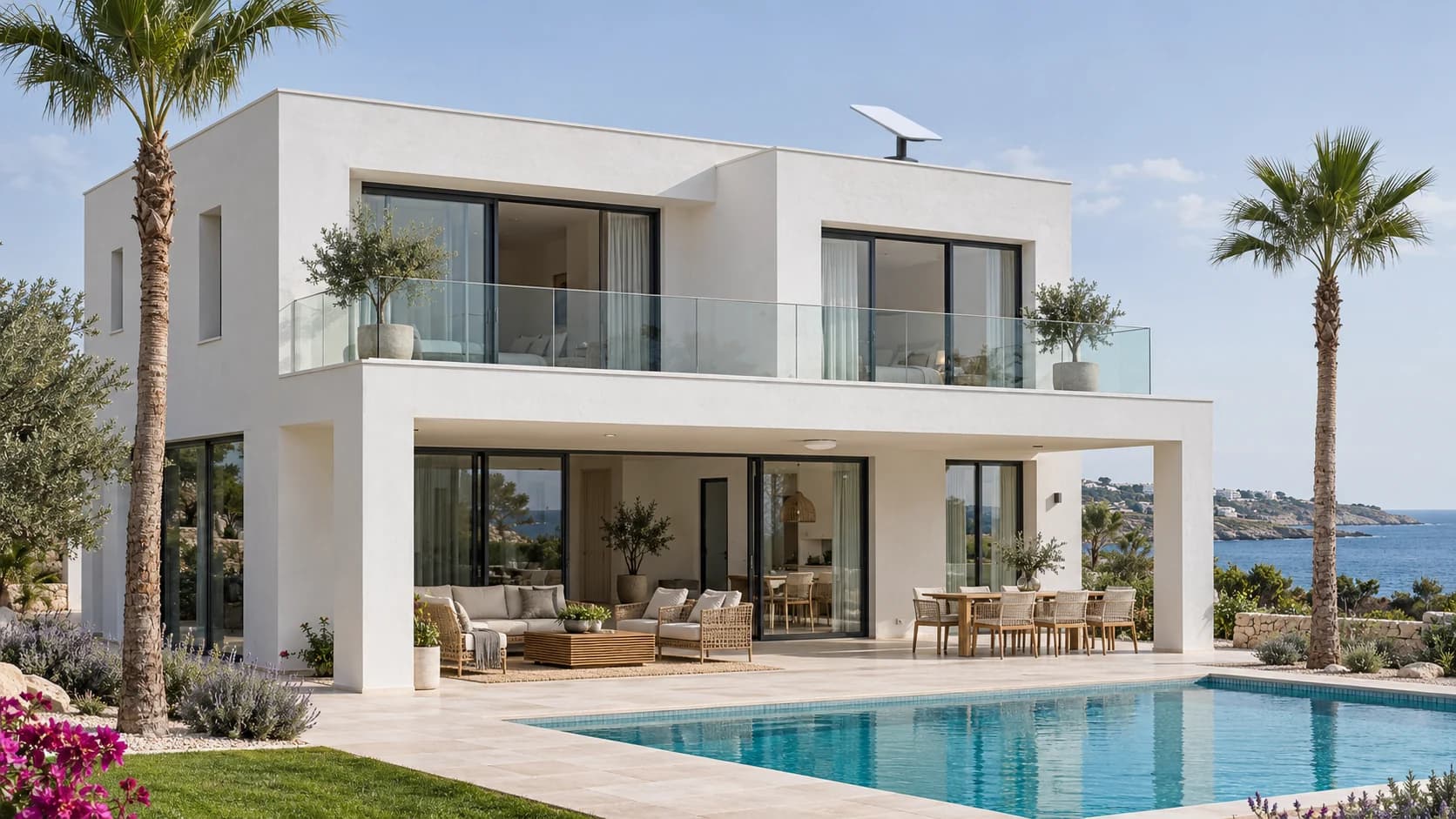
Starlink was connected to a UDR7 on floor 2 of a 300 m² villa. 1 U7 Pro on floor 1 and 1 U7 Outdoor by the terrace extend seamless Wi-Fi with roaming.
The brief
The 300 m² villa needed Starlink and Wi-Fi across 2 floors and the terrace. The owners required separate private and guest access, along with backup power for the network equipment.
300 m²
How we installed Starlink and the villa network
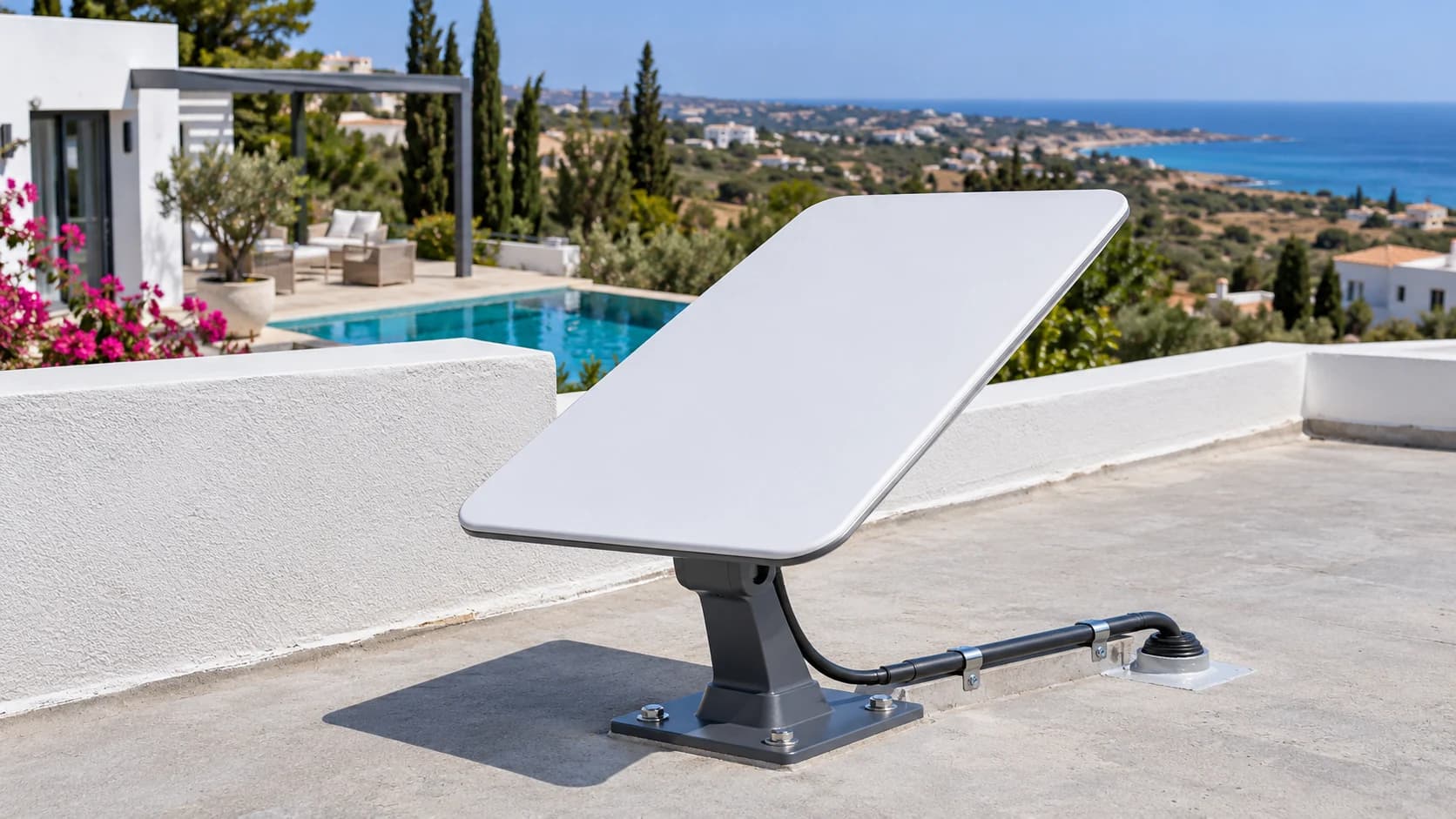
Roof-mounted Starlink
We selected a position with an open view of the sky, secured the terminal on the roof and brought the cable in on floor 2. The mounting and cable entry were fitted for the roof conditions.
Starlink through Dream Router 7
We enabled bypass mode on the Starlink router and connected it by Ethernet to the UDR7 WAN port on floor 2. We placed the UDR7 centrally on that floor and configured its built-in Wi-Fi. The PoE switch was connected to the gateway by Ethernet.
Indoor and outdoor Wi-Fi
We installed 1 U7 Pro on floor 1 and 1 U7 Outdoor on the wall facing the terrace for indoor and outdoor areas. The 2 access points were wired to the PoE switch. Private and guest networks were separated into 2 VLANs.
Backup power including Starlink
We connected the Starlink kit, Dream Router 7 and PoE switch to a UPS, providing backup power for the network equipment during short power interruptions.
Wi-Fi RF plan and coverage
Starlink and network equipment
Installed equipment. The Starlink kit, Dream Router 7 and PoE switch are connected to an uninterruptible power supply.
 × 1
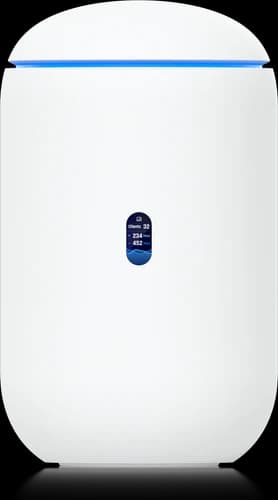
Dream Router 7 with built-in Wi-Fi
Dream Router 7
UDR7
Gateway located centrally on floor 2, with built-in Wi-Fi 7. Connected by Ethernet to Starlink in bypass mode.
 × 1
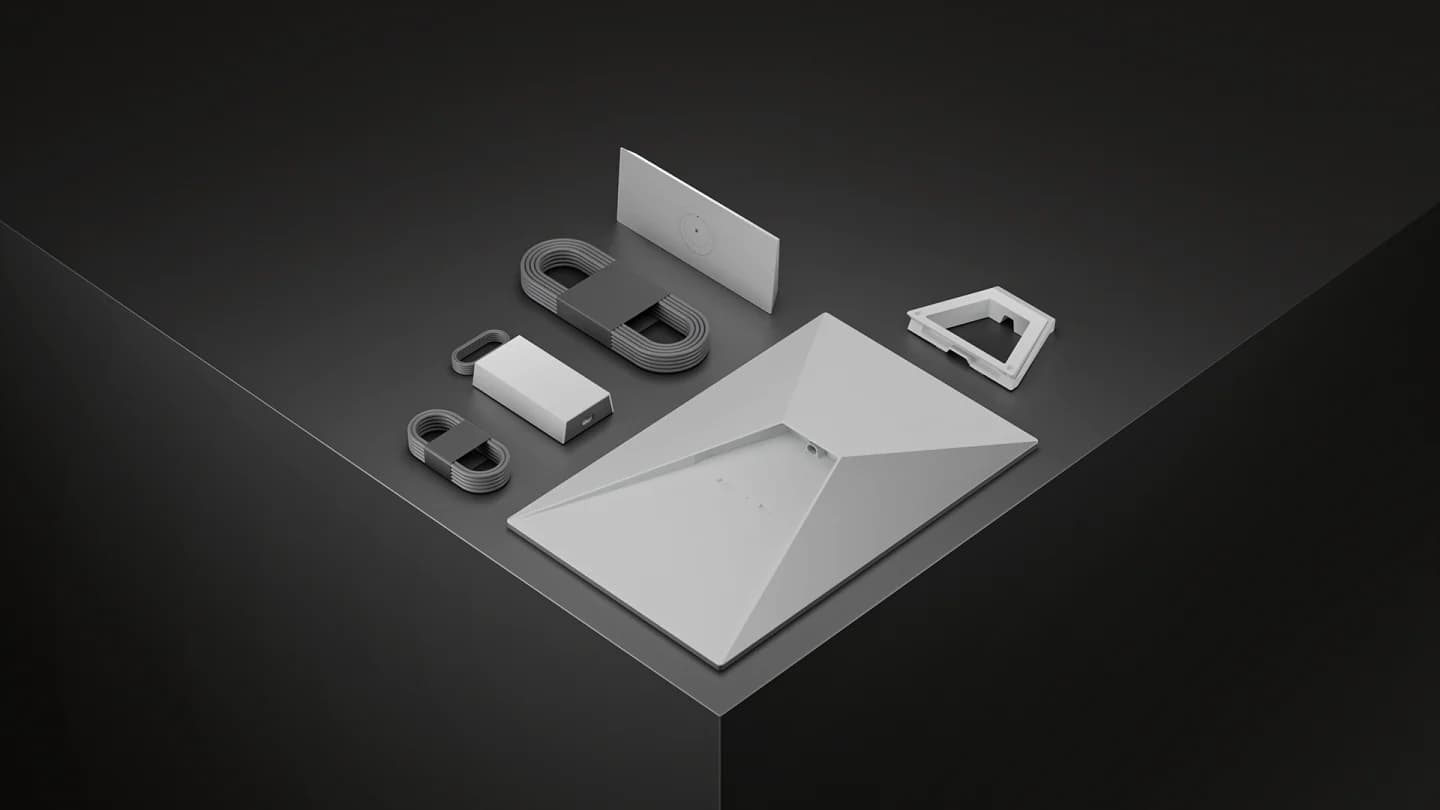
Satellite internet kit
Starlink Standard
Starlink-Standard
Roof-mounted terminal, cable entry on floor 2 and Starlink router in bypass mode. Ethernet connection to the Dream Router 7.
 × 1
PoE network switch
Pro Max 16 PoE
USW-Pro-Max-16-PoE
Ethernet connection to the UDR7, with wired uplinks and PoE power for 2 access points.
 × 1
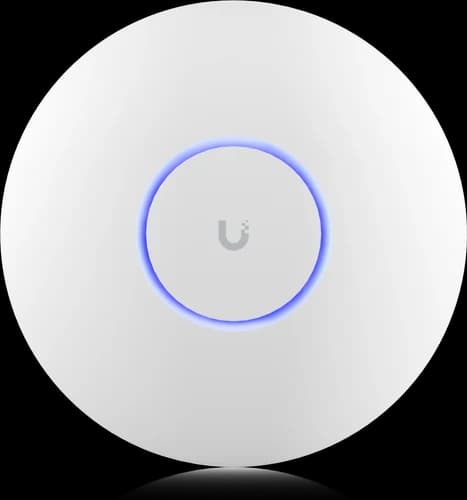
Indoor Wi-Fi access point
U7 Pro
U7-Pro
1 indoor access point on floor 1, connected by cable to the PoE switch.
 × 1
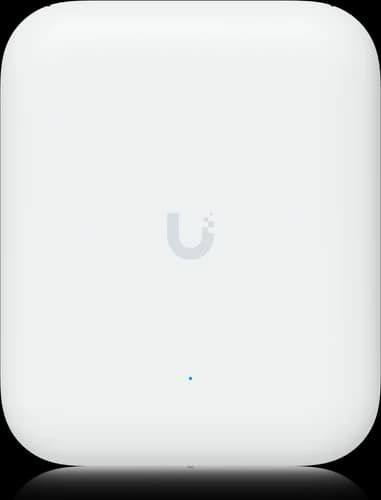
Outdoor Wi-Fi access point
U7 Outdoor
U7-Outdoor
1 access point on the wall facing the terrace for indoor and outdoor areas. Wired uplink and power from the PoE switch.
 × 1
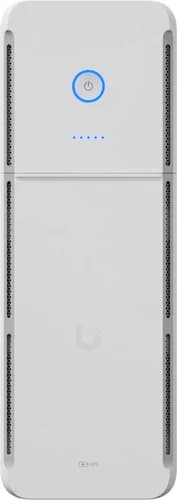
Uninterruptible power supply
UPS Tower
UPS-Tower-EU
Backup power for the Starlink kit, Dream Router 7 and PoE switch.
Network separation
Private
The owners’ personal devices inside the villa and outdoors.
Network management is accessible only from agreed devices.
Guests
Guest Wi-Fi with internet access through Starlink.
Access to the private network and network management is blocked.
Starlink and Wi-Fi in use
- Starlink was connected to a managed network on the Dream Router 7.
- Built-in UDR7 Wi-Fi was configured on floor 2, with 1 U7 Pro on floor 1 and 1 U7 Outdoor by the terrace for indoor and outdoor areas.
- Private devices and guest internet access were separated into 2 VLANs.
- Starlink and the network equipment were connected to backup power.
- Each Wi-Fi network uses a consistent name, with roaming between access points for compatible devices.
An active Starlink subscription is required. Connection availability and speed depend on the view of the sky, obstructions, weather and provider conditions. UPS runtime depends on the load and battery condition.